Virtual Human Short-Form Video
A short-form video platform where anyone can record and share moments from their daily life as a virtual human, from a webcam or phone camera alone.
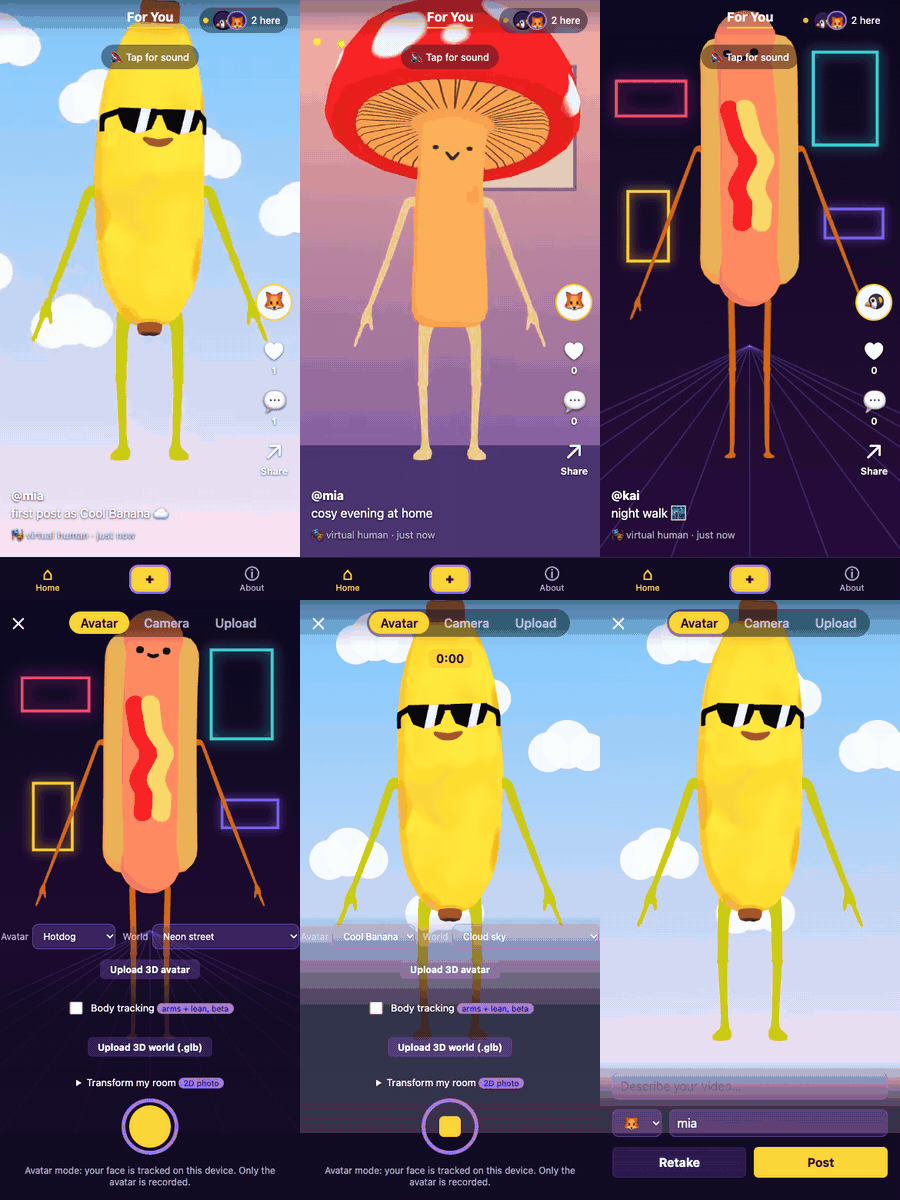
| Feed | Studio | Comments |
|---|---|---|
 |
 |
 |
Test camera: avatars idle, not tracking.
What "Good" Means for This App
Good means a social short-form video platform for virtual creators, as easy to use as TikTok but built at the scale of people who actually know each other, not millions of strangers. Robin Sloan's writing on "home-cooked apps" argues that software can be made well for a few people instead of for scale, and it shaped what this app leaves out: no public discovery, no follower counts, no algorithmic ranking — just a feed, likes and comments for people who have the link.
- Simple. A beginner can choose an avatar, record and post in under a minute, with nothing to install.
- Genuinely functional. Every button does what it says. The avatar follows you only when the model supports it. A restyled room photo is labelled as a flat 2D picture, not a 3D world, and an on-device colour filter is never called "AI".
- Private by default. Face and body tracking run in your browser, so only the avatar is recorded and camera frames never leave your device. A room photo goes to an AI service only with your consent, photo by photo.
- Social and live. People share one feed. New videos, likes and comments reach everyone within about a second, without a reload. You see who is here now.
- Fair and lasting. The server, not the browser, decides who may change what: only you can delete your own videos and avatars, and each person can like a video once. Posted videos survive reloads, restarts and redeploys.
When these conflict, privacy and user data come first, and visual polish comes last.
How to Use This App
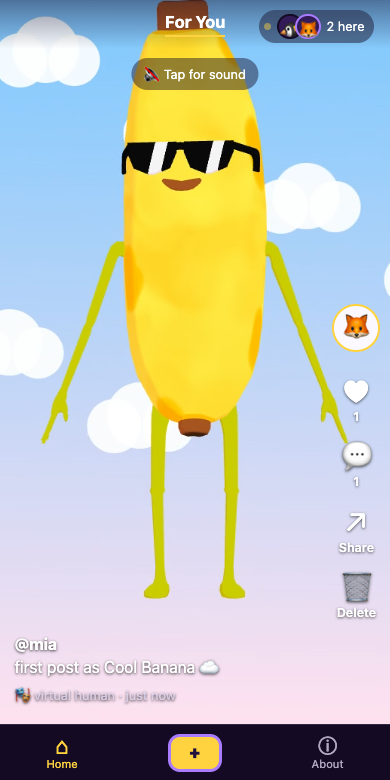
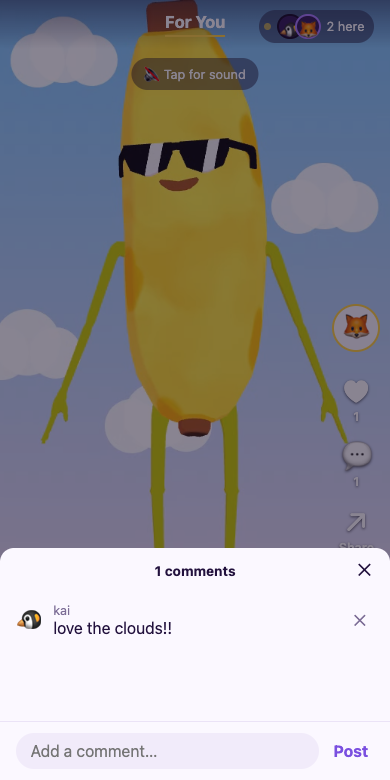
Watch: open Home and scroll between videos. Tap for sound, like with ♥, comment with 💬, share with ↗, or delete your own with 🗑. The top bar shows who's watching right now.
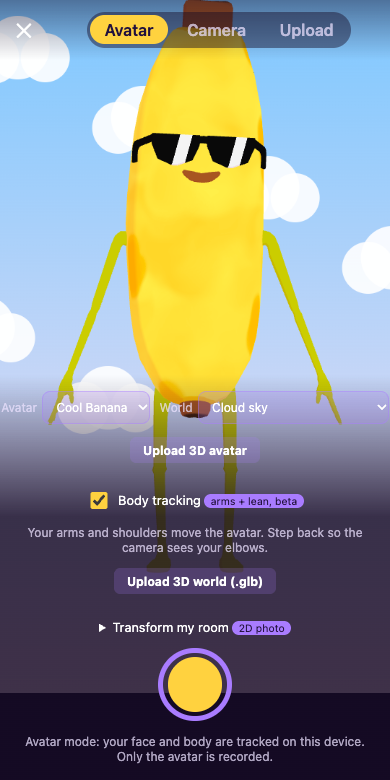
Create: tap + to open the studio and choose a mode — Avatar (record as a virtual human), Camera (record as yourself), or Upload (post a file up to 25 MB). In Avatar mode, allow camera access: your head, blinks and mouth drive the avatar, and an optional Body tracking (beta) switch adds arms and shoulders. The camera image itself is never recorded. Pick an avatar — Cool Banana, Hotdog, Mushy, or your own uploaded .vrm (a plain .glb also works but can't follow your face) — and a world: a standard backdrop, an uploaded .glb, or Transform my room, which turns a photo of your room into a stylised flat background. Record up to 30 seconds, add a caption and a display name, then post — it appears in everyone's feed immediately.
Good to know: there are no accounts; your browser is your identity. To use the app as the same person on a second device, go to About → Use on another device and type the code shown within 10 minutes. Uploaded avatars and worlds stay private to you. Body tracking covers arms and upper body only, and switches itself off if your device can't keep up.